
Locations can be entered manually or imported using the PAGassist location CSV template. This is where an analyst
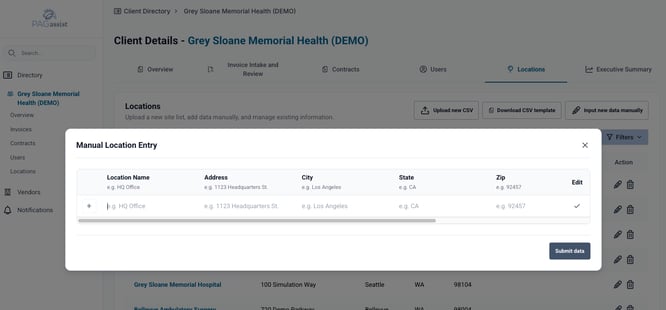
Manual entry
Use manual entry when adding one or a small number of locations.
CSV import
Use the CSV template for multiple locations.
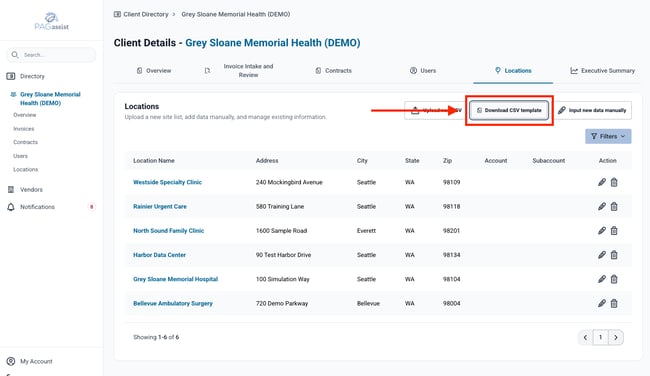
Download the current PAGassist template rather than creating column headers from memory.
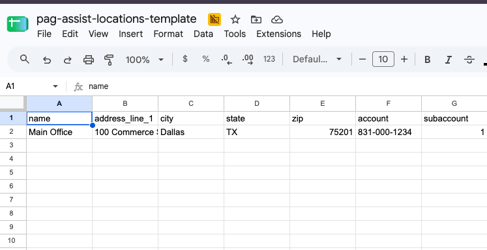
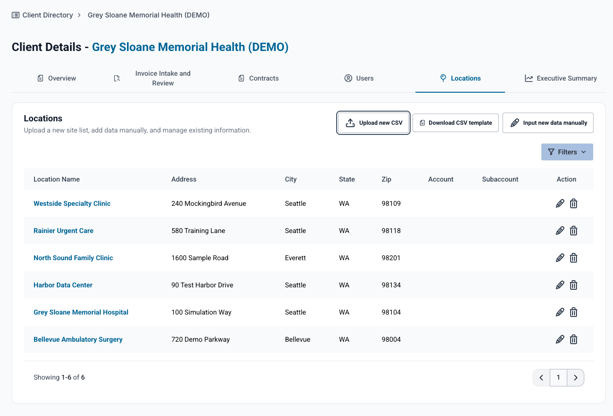
After import:
- confirm the expected number of locations was created;
- verify address formatting;
- confirm any account/subaccount information;
- edit records where needed.
Locations are used throughout PAGassist to connect invoices, services and contracts.
VIDEO: CSV location import
Last verified: October 2026
Applies to: PAGassist MVP
Something look different? Report it to support@pagassist.com.